
Welcome to Flexible Education at CCM
Online classes are similar to traditional face-to-face classes in that there is a real instructor and fellow students. There are grades, assignments, textbooks, lectures, readings, quizzes and tests along with due dates. The main difference is that instead of meeting in a classroom, students “access” their class via a web site. Distance Education classes are NOT independent study. There is a weekly schedule, so the student needs to access the class a few times during the week to participate. This may include discussions, see announcements and view changes. Many online courses will require the student to come to the campus for tests (check Titans Direct for on campus requirements). Communication for online classes is through email, discussions and chats. Additional information (if provided by professor) is available under the semester offerings link. Be sure to check out our 411 overview and orientation for Distance Education at CCM.
Flexible Learning Formats

Online – Virtual Campus courses are fully online courses, certificates or programs designed to provide students quality distance education consistent with the Virtual Campus’ mission statement. Unless otherwise noted, Virtual Campus courses were developed to be taught without specific meeting times. There is no on-campus requirement. Students in online courses should log into Blackboard on the first day of the term.
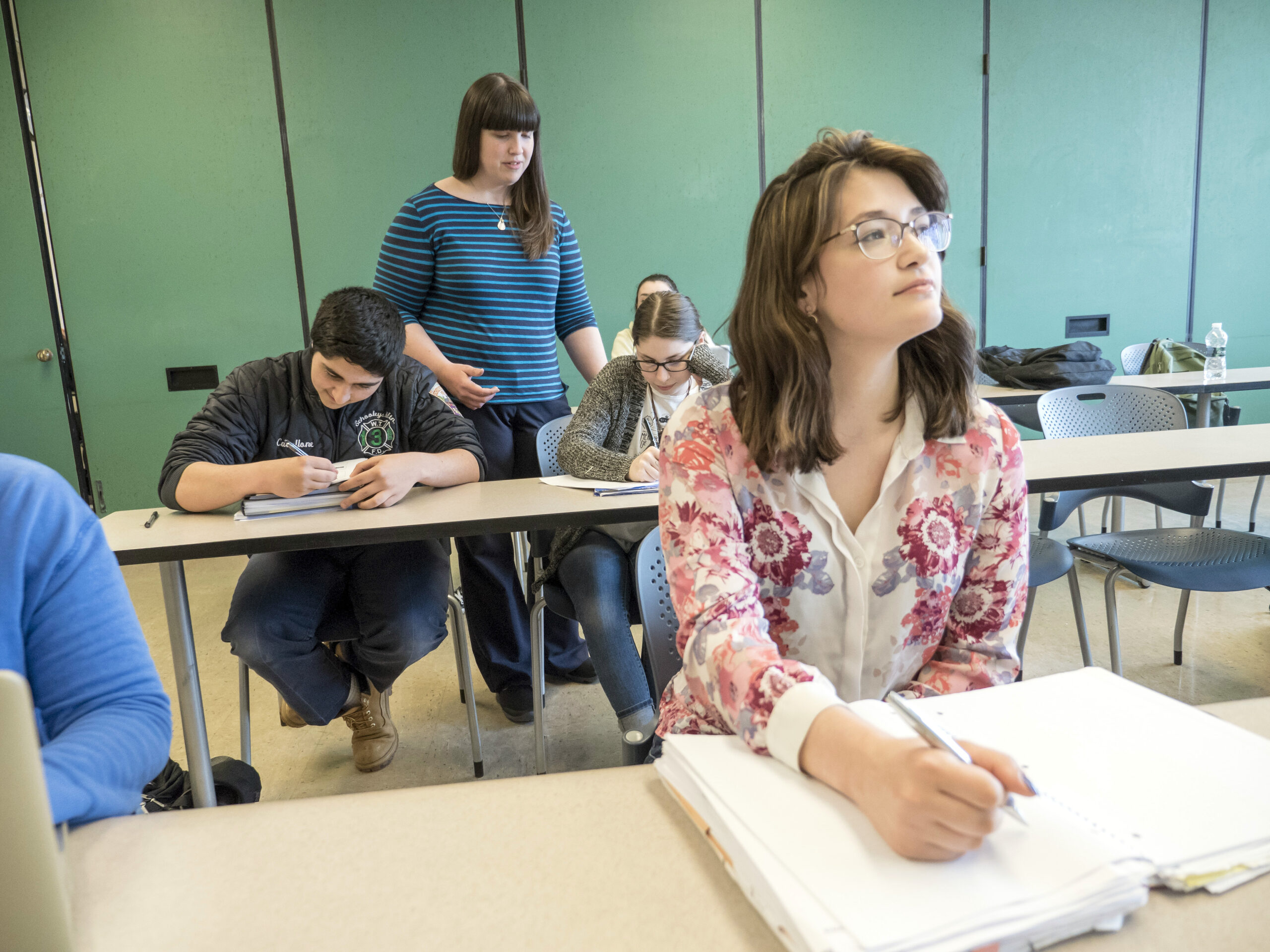
Hybrid – Virtual Campus courses are a combination of the traditional face-to-face instruction and online sessions. This may include some on-campus labs with reduced in-classroom time or other instructional designs that meet the needs of the course materials. Students in hybrid courses should log into Blackboard on the first day of the term and not wait until the first on campus meeting.
General Information
Registering for Flexible Learning Courses
Before a student can register for any course, they must be admitted to the college through the Admissions Office. If you are a visiting student, follow the instructions offered on the admissions link. Registering for a distance learning course is the same procedure as for on-campus CCM courses. If a section is closed, an online waiting list is now available in Titans Direct. Distance Education courses have course caps and may be closed to enrollment.
Confirmation Information
Just prior to the start of the semester/session an email to your @student.ccm.edu account is sent to registered Distance Education students. All students (including visiting) have a CCM email account. It will contain important information about logging onto Blackboard and general information. Remember, courses are not available for login until the first day of the term.
Orientation
Be sure to check out the Student Guide to Distance Learning for all pertinent information regarding distance education at CCM. Some instructors have mandatory orientation. To check for mandatory orientations, please be sure to view Titan Direct. Check the Specific Course Information.
Check out the orientation modules at THE 411 – LEARNING at CCM
Still have questions? Contact Distance Education at 973-328-5332 or email vclearning@ccm.edu.
Textbook Information
Textbooks for distance education classes may come with special on line components. Be sure that when you purchase your books from the bookstore, you request the book that corresponds to your section. Some books come with special access codes. You will need to enter a secondary site to complete your course work. You may purchase books in person at the CCM bookstore or ordering your books online here.
Blackboard
Bb Student Mobile App is available in IOS, Android and the Windows app stores for free. Please note the app may not mirror the full-version of Blackboard that you access via your desktop/laptop.
View Blackboard help for assistance with most commonly used tools in Blackboard.
Submitting Assignments
Most often the assignment is typed, saved and then attached to an email, discussion posting, or assignment drop box. The syllabus and assignment descriptions usually explain how assignments are to be submitted. This will depend on the professor’s preference. Questions regarding specific assignments should be directed to your professor. For more information, please see the tutorial for help.
Online Proctoring
Smarter Proctoring is an online proctoring service that may be used in some of your courses. This allows you to take your exam from the comfort of your home. This automated service is available 24/7 and does not require scheduling. Follow these instructions to get ready to take an exam with Smarter Proctoring. Maintaining a strong and stable internet connection is essential (ie: make sure no one else is using the internet while you’re testing. Things like watching Netflix/Hulu or playing online video games will slow down the connection and may disconnect you from your exam.
Click this link to view Smarter Proctoring’s privacy and practices policy.
County College of Morris uses Smarter Proctoring for online exam proctoring. If a student does not want to use Smarter Proctoring, a student may choose to sit for a proctored exam at an authorized testing site. If a student chooses to use an authorized testing site, they must contact the faculty in writing no later than 10 business days prior to the scheduled exam. The student is responsible for any out-of-pocket fees.
Online Tutoring
Brainfuse – Free supplemental 24/7 on demand tutoring support and resources across a wide range of subjects. Online tutoring is an added support service to assist all CCM students, especially those who may only be taking distance education courses. Furthermore, online tutoring addresses the needs of students during the evenings, weekends, holidays, winter and summer terms, when the Center may not be open or operating with limited hours and available in-person tutors.
Is Distance Education for You?
Take the quiz below and get an idea of your “chances for success” as an online student. While there are many points to consider when making a decision about online learning, ultimately you are in the best position to know whether it fits your personal learning style and life style. If you have the right qualities to be a successful online student, you will probably find it to be a very convenient and rewarding alternative to traditional classroom learning.
Distance Education Quiz
Am I good at managing my time?
- The amount of time needed to work on a course requires at least as much, if not more time and commitment than traditional courses.
- Log into the course a minimum three times per week or dedicate at least 10 hours per week.
- Students report that distance learning courses are as hard or harder than on campus courses.
Class discussions or other activities may require you to be online almost every day.
Am I a self starter?
- While distance education courses give you greater freedom of scheduling, they can require more self discipline than on-campus classes. Most courses have a strict timetable. Read the syllabus. The syllabus is a critical resource for any course. It is the road map or “game plan” for the entire course-get to know it well.
- Traditional classes provide regular meeting dates and times with the opportunity to have discussions with classmates or your professor. It is different when there are no required class meetings or scheduled contact with your professor (although some require face to face meetings or online chat).
- Distance education allows you flexibility and convenience, but it requires responsibility. Without the structure of regular class meetings, it will be up to you to pace yourself and keep up with assignments and course work.
- Ask questions. Professors need to know right away if you are having problems with course content or technology. You have to take responsibility and initiative for contacting your professor.
- The importance of self motivation to success cannot be over emphasized.
How do I learn best?
- Distance education is a good choice for people who are good at learning independently.
- Online courses vary in regards to the amount of opportunity for group interaction and class participation they offer. This may include, but not be limited to, the use of discussion board, chat room, or course email. Make connections with fellow students whenever you can.
- You must possess strong reading and writing skills.
Am I comfortable with technology?
- You must be familiar with your own computer, the internet, and basic software.
- You need to have basic technology skills (how to use email, save a file on your computer, attach a file, cut and paste between applications, and how to download software), as well as regular access to a computer with continuous Internet connection.
Virtual Student Resources
Important Reminder: Students will not be able to register/add an online course once it begins. It is especially important to pay attention to payment due dates in order that you are not deleted from the course for non payment.